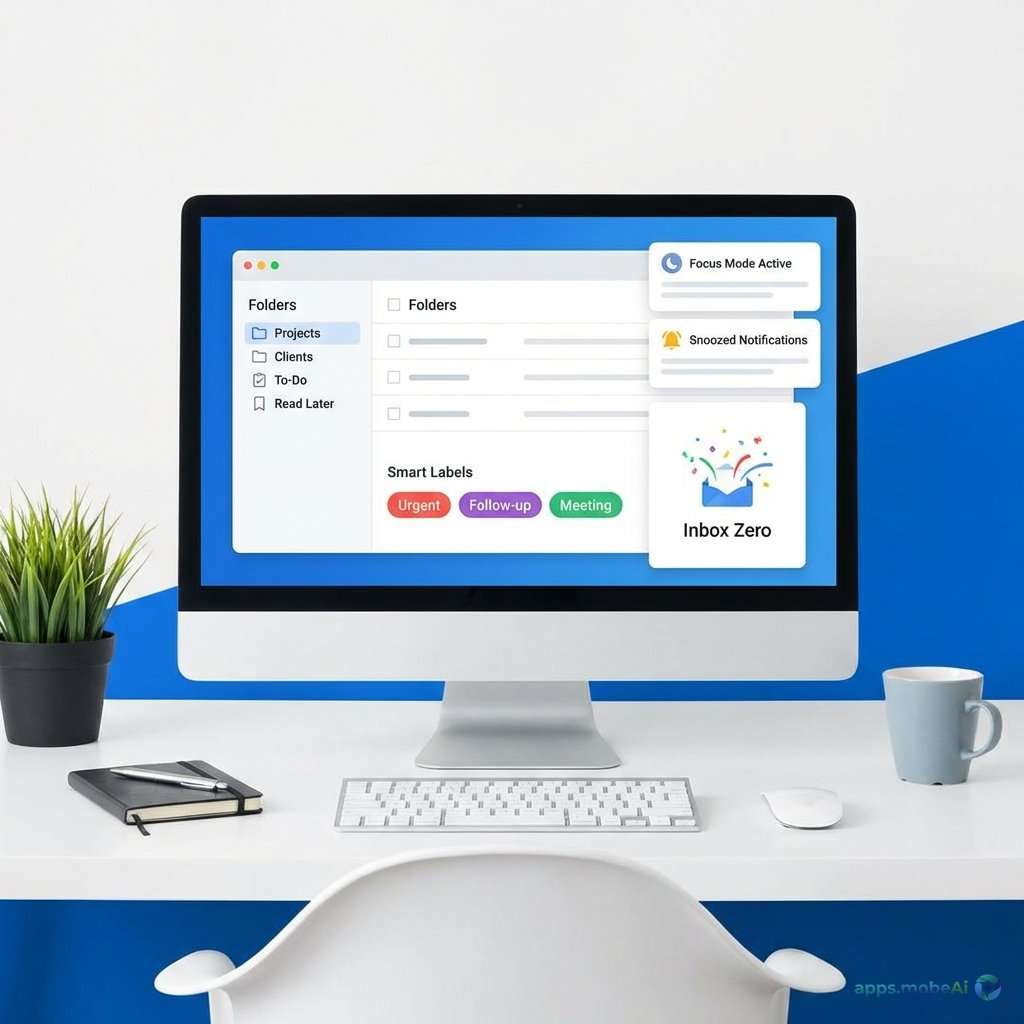
Email remains the backbone of professional communication despite decades of predictions about its demise. While team
chat and collaboration tools handle real-time discussion, email carries the formal correspondence, external
communication, and documented exchanges that business requires. The quality of your email experience significantly
impacts daily productivity.
Gmail dominates personal and business email with a market-leading position that shapes expectations. Yet many
professionals find Gmail’s limitations frustrating—cluttered interface, limited customization, and productivity
features that don’t match specialized alternatives. A new generation of email clients offers refined experiences
that transform inbox management from chore to efficient workflow.
This comprehensive guide examines email applications that boost productivity beyond Gmail’s defaults, comparing
interface design, productivity features, integration capabilities, and pricing models. Whether you’re drowning in an
overflowing inbox, seeking faster email processing, or wanting enhanced capabilities for professional
correspondence, you’ll discover clients that match your communication style and workflow needs.
I. The Email Productivity Challenge
Understanding why email consumes so much attention reveals opportunities for improvement.
Volume and Overwhelm
Professionals receive dozens to hundreds of emails daily—newsletters, notifications, correspondence, and spam compete
for attention. Without systems for triage and processing, inboxes become overwhelming backlogs that create anxiety
and miss important messages amid noise.
Context Switching Costs
Email interrupts focused work constantly. Notifications pull attention from important tasks. The mental context
switch—from deep work to email processing and back—costs significant cognitive energy. Batching email and reducing
interruption improves overall productivity.
Processing Speed
Individual email handling speed determines whether inbox management consumes minutes or hours daily. Keyboard
shortcuts, smart sorting, and streamlined interfaces accelerate processing. Time saved compounds over months and
years.
Organization Systems
Finding previous correspondence requires effective organization. Folder structures, labels, and search capabilities
determine whether retrieval takes seconds or extended searching. Good organization also prevents important messages
from disappearing into archive oblivion.
II. Microsoft Outlook: Enterprise Standard
Microsoft Outlook remains the enterprise standard for email, calendar, and contact management, offering comprehensive
capabilities for professional communication.
Integrated Experience
Outlook combines email, calendar, contacts, and tasks within a unified application. This integration creates workflow
advantages—schedule meetings from emails, create tasks from messages, and access contacts while composing. The
comprehensive approach serves users who want complete personal information management.
Email Organization
Focused Inbox separates important messages from less critical correspondence. Rules automate message sorting based on
sender, subject, or content. Categories apply color-coded labels. Folders create hierarchical organization. These
features address inbox management for high-volume users.
Microsoft 365 Integration
Outlook integrates deeply with Microsoft 365 applications. Attachments connect to OneDrive and SharePoint. Teams
scheduling integrates with calendar. Office document preview works inline. For Microsoft 365 organizations, this
integration creates seamless productivity.
Advanced Features
Delayed sending schedules messages for appropriate delivery times. Recall attempts to retrieve sent messages. Read
receipts confirm message viewing. Encryption protects sensitive content. These features serve professional
communication requirements.
Copilot Integration
Microsoft Copilot assists with email drafting, summarization, and management. Suggest responses, rewrite drafts, and
summarize long threads. These AI capabilities accelerate email processing for qualifying subscriptions.
Platform Availability
Outlook runs on Windows, Mac, iOS, Android, and web. Cross-platform availability ensures access from any device.
Desktop applications provide full functionality; mobile apps optimize for on-the-go use.
Pricing
Outlook.com provides free email with basic features. Microsoft 365 Personal at $6.99/month includes desktop Outlook
with premium features. Business plans include Outlook as part of Microsoft 365 subscriptions.
Strengths and Limitations
Outlook excels for Microsoft 365 users through deep integration. Comprehensive features serve enterprise needs.
Multi-platform availability ensures access. Calendar and task integration creates complete productivity system.
However, Outlook’s feature density creates interface complexity. The application feels heavyweight compared to
streamlined alternatives. Performance requires adequate system resources. Gmail users may find the interface
adjustment significant.
III. Superhuman: Speed Obsessed
Superhuman reimagines email as a speed-focused experience, building every feature around processing emails faster
than any traditional client.
Speed Philosophy
Superhuman’s fundamental design goal is making email faster. Every interaction optimizes for speed—keyboard-centric
navigation, instant search, and streamlined workflows. The application launches and responds instantly. Users report
processing emails two to three times faster than Gmail.
Keyboard-First Interface
Superhuman expects keyboard navigation. Single-key shortcuts perform common actions—archive, reply, forward without
moving hands from keyboard. Command palette accesses any function through keyboard. This approach builds on power
user patterns from text editors and developer tools.
Split Inbox
Smart categories automatically sort emails—important messages, team correspondence, newsletters, and notifications.
This sorting surfaces priority items without manual organization. Users process the important pile first, then
handle other categories when time permits.
Triage Features
Remind Later temporarily removes emails, returning them at specified times. Follow Up tracks outgoing emails awaiting
response. Read Status shows when recipients open messages. These features prevent balls from dropping in busy
correspondence.
Snippets and Templates
Snippets insert commonly used text through keyboard shortcuts. Templates accelerate repetitive emails. Variables
personalize templates dynamically. These features speed responses that follow common patterns.
AI Capabilities
Superhuman AI drafts complete emails from brief prompts. Write a few words; AI generates full professional response.
Edit and personalize as needed. This capability dramatically accelerates routine correspondence.
Platform Availability
Superhuman works on Mac, Windows, iOS, and Android. The experience maintains quality across platforms. No web version
exists—dedicated applications ensure optimized performance.
Pricing
Superhuman costs $30/month—significantly more expensive than alternatives. The pricing positions Superhuman for
professionals who value time savings and email productivity gains.
Strengths and Limitations
Superhuman delivers unmatched email speed for users who embrace keyboard-centric workflow. Processing time reductions
compound to significant time savings. The experience feels premium and refined. AI drafting accelerates routine
email.
However, premium pricing limits accessibility. The learning curve requires keyboard shortcut memorization. Users
preferring mouse navigation may find the interface frustrating. Business email accounts are required—no personal
Gmail support without work context.
IV. Spark: Team-Oriented Email
Spark combines refined email experience with team collaboration features, serving both individual productivity and
shared inbox needs.
Clean Interface
Spark prioritizes visual clarity. Inbox displays organize messages cleanly. Conversation threads present clearly. The
design reflects contemporary aesthetic sensibilities while maintaining functional efficiency.
Smart Inbox
Smart Inbox categorizes emails automatically—personal, notifications, newsletters, and pinned. This sorting matches
Superhuman’s approach at lower price. Natural language search finds messages conversationally.
Team Features
Shared inboxes enable teams to manage common email addresses collaboratively. Email delegation assigns messages to
team members. Comments enable internal discussion on emails without forwarding. These features serve teams managing
shared correspondence.
Email Scheduling and Snooze
Send later schedules messages for optimal delivery times. Snooze removes emails temporarily, returning them when
needed. Follow-up reminders track outgoing messages. These features match productivity-focused competitors.
Templates and Signatures
Quick replies insert common responses. Templates handle repetitive email patterns. Multiple signatures switch between
professional contexts. These features accelerate routine email handling.
Spark AI
Spark +AI drafts replies based on conversation context. Adjust tone between professional, friendly, or neutral.
Summarize long email threads quickly. AI integration modernizes the email experience.
Cross-Platform Availability
Spark runs on Mac, iOS, Android, and Windows. Cross-device sync maintains consistent experience. The mobile
applications work particularly well on iOS, reflecting Spark’s origins as an Apple-focused developer.
Pricing
Spark Free provides core features for individual use. Premium at $4.99/month adds advanced features. Team plans at
$7.99/user/month include collaboration features.
Strengths and Limitations
Spark balances productivity features with accessible pricing. Team collaboration distinguishes it from
individual-focused alternatives. Cross-platform availability ensures access on any device. The free tier provides
genuine usefulness.
However, some features feel less refined than Superhuman’s execution. Power users may find limitations in keyboard
workflow. Team features matter most for shared inbox scenarios.
V. Additional Notable Email Clients
Several other email clients serve specific niches and preferences.
Apple Mail
Apple’s included mail application provides solid email fundamentals for Mac and iOS users. Recent updates added
scheduled sending, undo send, and improved search. For users wanting simple, integrated email without additional
software, Mail suffices.
Integration with Apple ecosystem—Calendar, Contacts, Reminders—creates cohesive experience. Privacy features like
Mail Privacy Protection hide tracking pixels. Free inclusion with Apple devices provides value.
Thunderbird
Mozilla Thunderbird provides free, open-source email with extensive customization. Add-ons extend functionality
dramatically. Privacy-focused users appreciate Mozilla’s commitment to user protection.
The recent Supernova update modernized the interface substantially. Calendar integration added built-in scheduling.
For users wanting customizable, free email without subscription, Thunderbird deserves consideration.
Mailspring
Mailspring offers modern email client features with cross-platform availability. Read receipts, link tracking, and
template features support sales and business use. The free tier provides functionality; Pro adds advanced features.
Hey Email
Basecamp’s Hey takes radical approach to email organization with features like The Screener for first-time sender
approval and Imbox for genuine correspondence. The opinionated design suits users wanting different email
philosophy. Pricing at $99/year positions Hey for committed users.
VI. Feature Comparison
Comparing email clients across key capabilities helps match solutions to needs.
Comparison Table
| Client | Platform | Price | Best For |
|---|---|---|---|
| Outlook | All | $6.99/mo+ | Microsoft 365 Users |
| Superhuman | Mac/Win/Mobile | $30/mo | Speed Priority |
| Spark | All | Free-$8/mo | Teams |
| Apple Mail | Apple | Free | Simplicity |
| Thunderbird | Win/Mac/Linux | Free | Customization |
Speed vs. Features
Superhuman prioritizes speed above all else. Outlook and Spark provide more features with less speed optimization.
Selection depends on whether processing velocity or capability breadth matters more.
Individual vs. Team
Spark’s team features serve shared inbox scenarios. Superhuman and Hey focus on individual productivity. Outlook
serves both individual and enterprise contexts.
VII. Selecting the Right Email Client
Selection should align with existing ecosystem, workflow preferences, and budget.
For Microsoft 365 Users
Outlook provides the most integrated experience within Microsoft 365 environments. Calendar, tasks, and email work
together. The investment in alternative clients may provide marginal benefit.
For Gmail Users Seeking Improvement
Superhuman transforms Gmail experience dramatically for users willing to invest in premium pricing. Spark provides
meaningful improvement at accessible cost. Both maintain Gmail as backend while improving frontend experience.
For Team Email Management
Spark’s team features address shared inbox needs specifically. Outlook with shared mailboxes serves enterprise team
scenarios. Individual productivity clients don’t address team requirements.
For Budget-Conscious Users
Apple Mail (for Apple users), Thunderbird (cross-platform), and Spark Free provide genuine capability without cost.
Gmail’s web interface remains functional for many users.
VIII. Email Productivity Practices
Software optimization means little without effective email practices.
Inbox Zero Philosophy
Processing email to empty inbox regularly—through archiving, responding, or delegating—prevents overwhelm
accumulation. This practice requires discipline regardless of software.
Batch Processing
Checking email at scheduled times rather than continuously reduces context switching. Turn off notifications between
processing sessions. Focus improves when email doesn’t constantly interrupt.
Response Templates
Identify common emails and create templates. Even clients without template features accept text expander tools. Time
saved on repetitive responses compounds significantly.
Unsubscribe Aggressively
Reduce incoming volume by unsubscribing from newsletters and notifications that don’t provide value. Less email
requires less processing regardless of client capabilities.
IX. Conclusion
Email clients beyond Gmail’s default experience offer genuine productivity improvements for users willing to invest
time learning and potentially money subscribing. The right choice depends on working context, budget, and personal
workflow preferences.
Superhuman delivers maximum email velocity for professionals who value speed above all and accept premium pricing.
The time savings compound meaningfully for heavy email users. Users comfortable with keyboard-centric workflow
benefit most.
Spark provides balanced productivity enhancement at accessible pricing. Team features address shared inbox needs that
individual-focused clients ignore. The free tier provides genuine exploration opportunity.
Outlook remains essential for Microsoft 365 environments. Integration with calendar, tasks, and Microsoft
applications creates value that standalone email clients can’t match. Enterprise users likely find Outlook mandatory
regardless of alternative preferences.
Whatever client you choose, remember that email practices matter more than software features. Processing discipline,
notification management, and template usage deliver productivity gains regardless of which application displays your
inbox. Choose tools that support good habits, then develop the habits that make email manageable.




.jpg)