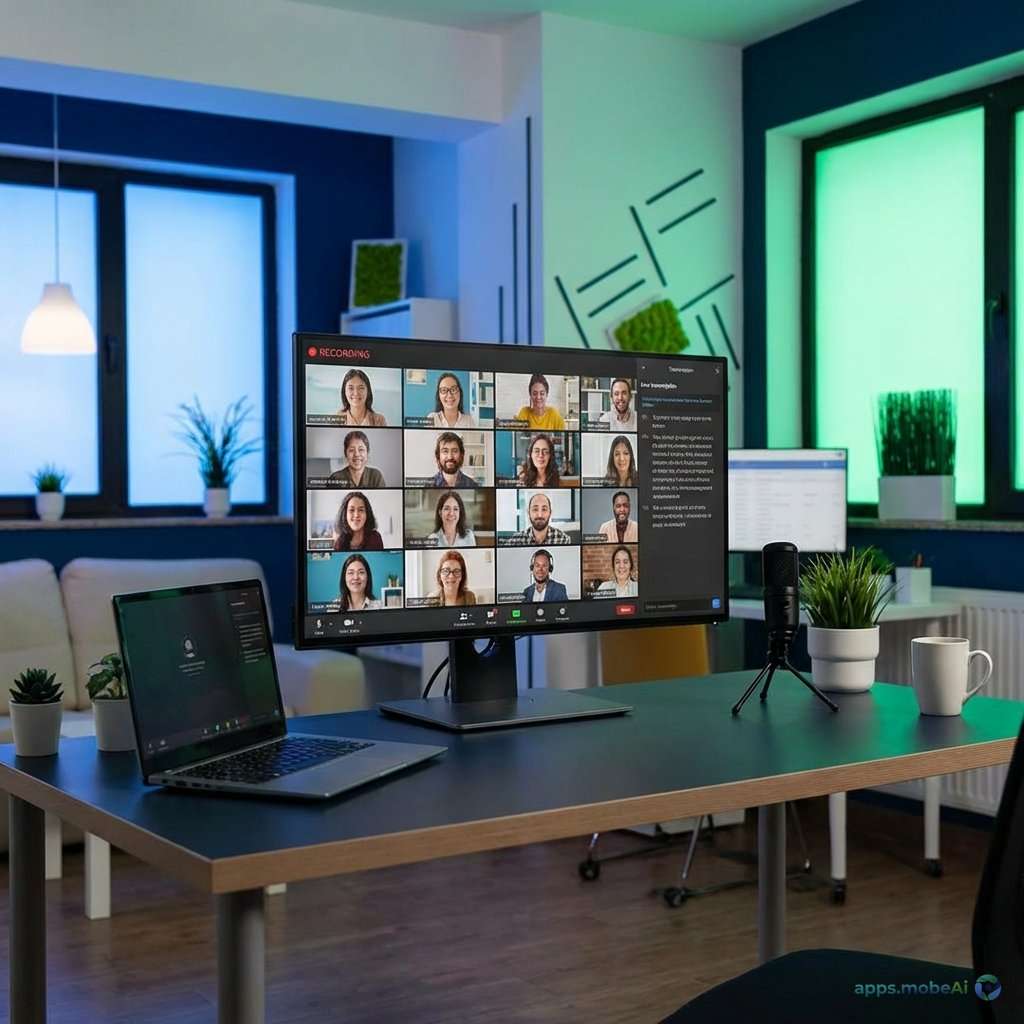
Virtual meetings have become essential to modern work, but their value often dissipates when they end—unless you
capture them effectively. Meeting recording software preserves discussions, decisions, and details that memory alone
cannot retain. More importantly, AI-powered transcription and summarization transform recordings from passive
archives into searchable, actionable knowledge bases.
The meeting recording landscape in 2026 offers diverse approaches—from built-in platform recording to specialized AI
assistants that join meetings automatically. Understanding what each approach offers helps you choose tools matching
your workflow needs and organizational requirements.
This comprehensive guide compares the leading meeting recording solutions, examining their features, transcription
quality, AI capabilities, and practical implementation considerations. Whether you’re documenting client calls,
capturing team brainstorms, or building organizational knowledge bases, you’ll discover tools that maximize meeting
value.
I. Understanding Meeting Recording Needs
Before comparing tools, clarifying your recording needs guides appropriate selection.
Recording vs. Transcription vs. Summarization
Video recording preserves full meeting context but requires watching to extract value. Transcription converts speech
to searchable text, enabling quick reference. AI summarization extracts key points, decisions, and action items.
Modern tools increasingly combine all three.
Legal and Privacy Considerations
Recording meetings raises consent and privacy issues. Many jurisdictions require all-party consent for recording.
Organization policies may restrict recording of certain meetings. Announcing “this meeting is being recorded”
addresses legal requirements while setting participant expectations.
Storage and Retention
Video recordings consume significant storage. Consider retention policies—how long do you need recordings? Cloud
storage costs accumulate over time. Transcriptions and summaries provide much of the value with minimal storage
requirements.
II. Platform Built-In Recording
Major video conferencing platforms include native recording capabilities.
Zoom Recording
Zoom offers both local and cloud recording. Local recording saves directly to your computer without storage costs.
Cloud recording stores on Zoom’s servers with automatic transcription (on paid plans).
AI Companion features generate meeting summaries and next steps. Recording controls allow hosts to manage who can
record. Breakout room recording captures smaller group discussions. Chapter markers enable navigation to specific
moments.
Transcription quality has improved significantly, though speaker identification can struggle with similar voices or
crosstalk. The free tier includes local recording; cloud recording and transcription require paid plans starting at
$15.99/month.
Microsoft Teams Recording
Teams recording integrates with Microsoft 365 ecosystem. Recordings save to OneDrive or SharePoint, respecting
organizational storage policies. Automatic transcription accompanies recordings with speaker identification.
Teams Premium adds intelligent recap features—AI-generated chapters, highlights, and personalized recap focusing on
content relevant to you. Meeting insights surface action items and mentions of your name. Integration with Copilot
provides conversational access to meeting content.
Teams recording requires Microsoft 365 subscription. Enterprise features like extended retention and compliance
controls serve organizational needs beyond individual recording.
Google Meet Recording
Google Meet recording saves to Google Drive with automatic transcription. The straightforward integration suits
Google Workspace organizations. Transcripts appear as separate documents alongside video files.
Recording is available on Google Workspace Business Standard and higher tiers—not included in free Google accounts or
Workspace Starter. The simpler feature set compared to Zoom and Teams may frustrate power users but serves basic
needs adequately.
III. Specialized AI Meeting Assistants
Dedicated meeting recording tools offer capabilities beyond platform built-ins.
Otter.ai
Otter.ai specializes in AI-powered meeting transcription and summarization. The service can join meetings
automatically via calendar integration, eliminating manual recording start. Real-time transcription displays during
meetings, helpful for participants joining late or needing visual reinforcement.
AI summary generation creates structured meeting notes including key topics, action items, and decisions. Speaker
identification assigns text to participants. Search across all meetings finds specific discussions quickly.
OtterPilot joins Zoom, Teams, and Meet automatically.
Free tier offers 300 minutes monthly. Pro ($16.99/month) includes unlimited transcription, AI features, and
integrations. Business plans add administrative controls and advanced features.
Fireflies.ai
Fireflies provides similar AI meeting assistance with emphasis on CRM and workflow integration. The bot joins
scheduled meetings, records, transcribes, and generates summaries. Topic tracking identifies recurring discussion
themes across meetings.
Integrations push meeting intelligence into Salesforce, HubSpot, Notion, Slack, and other tools. Sentiment analysis
gauges meeting energy and engagement. Action item extraction feeds directly into task management systems.
Free tier includes limited transcription. Pro plans start at $10/month per seat. The integration focus particularly
serves sales and customer success teams tracking client interactions.
Grain
Grain focuses on creating shareable meeting highlights. Record meetings, then clip specific moments as standalone
videos. Share clips in tools like Slack, Notion, or documentation systems. AI-generated summaries provide quick
meeting overviews.
The clipping focus serves teams who share meeting insights across organizations—sales teams sharing customer
feedback, product teams documenting user research, executives highlighting key decisions. Integration with video
workflows suits content-driven use cases.
Fathom
Fathom offers free unlimited recording with AI-powered notes. The remarkably generous free tier provides features
competitors charge for—unlimited recording, transcription, and AI summaries. Revenue comes from optional paid
features like team sharing.
AI highlights surface important moments. Action items appear automatically. The non-intrusive meeting assistant
doesn’t display distracting interfaces during calls. Focus on individual productivity rather than team features
suits independent professionals.
IV. Feature Comparison
Comparing recording solutions across key capabilities reveals their distinct strengths.
| Tool | Auto-Join | AI Summary | Free Tier | Best For |
|---|---|---|---|---|
| Zoom | Host Only | ✅ AI Companion | Local Only | Zoom Users |
| Teams | Host Only | ✅ Copilot | None | M365 Orgs |
| Otter.ai | ✅ Yes | ✅ Yes | 300min/mo | Transcription |
| Fireflies | ✅ Yes | ✅ Yes | Limited | CRM Integration |
| Fathom | ✅ Yes | ✅ Yes | Unlimited | Free Option |
V. Transcription Quality Considerations
Transcription accuracy varies significantly across tools and situations.
Audio Quality Impact
Transcription accuracy depends heavily on audio quality. Poor microphones, background noise, and crosstalk degrade
results. Quality headsets and quiet environments dramatically improve transcription accuracy regardless of tool.
Speaker Identification
Assigning text to correct speakers matters for meeting comprehension. Tools vary in speaker identification accuracy,
especially with similar-sounding voices or participants with same first name. Some tools improve over time as they
learn voice patterns.
Technical Terminology
Industry-specific jargon, product names, and technical terms often transcribe incorrectly. Some tools offer custom
vocabulary training. Consider whether specialized terminology accuracy matters for your use cases.
Language Support
English transcription is universally strong, but other language support varies. Multi-language meetings create
additional challenges. Verify language support before selecting tools for international teams.
VI. AI Summary Capabilities
AI-generated summaries transform long recordings into actionable intelligence.
Key Topic Extraction
AI identifies main discussion topics from meeting content. Quality varies—some tools produce accurate topic
breakdowns while others miss nuance or emphasize wrong elements.
Action Item Detection
Automatic extraction of tasks and commitments from discussion speeds follow-up. “Sarah will send the report by
Friday” becomes an action item assigned to Sarah. Integration with task management systems closes the loop.
Decision Documentation
Capturing decisions made during meetings provides valuable reference. AI attempts to distinguish decisions from
general discussion, though accuracy varies. Clear meeting facilitation (“So we’ve decided to…”) helps AI identify
decisions.
Summary Length and Format
Summary styles range from brief highlights to comprehensive notes. Some tools offer format options; others produce
fixed formats. Consider how you’ll use summaries when evaluating format preferences.
VII. Security and Privacy
Meeting content often contains sensitive information requiring protection.
Data Storage Location
Understand where recording and transcription data resides. Cloud storage locations may affect compliance with data
sovereignty requirements. Some enterprise tools offer on-premises or specific region storage.
Encryption Standards
Evaluate encryption for data in transit and at rest. Enterprise tools typically provide strong encryption. Review
security documentation for tools handling sensitive discussions.
Access Controls
Who can access recordings? Role-based access controls restrict viewing to appropriate participants. Administrative
controls manage organizational recording policies.
Retention and Deletion
Understand how long data is retained and how deletion works. Compliance requirements may mandate specific retention
periods. Ensure tools support your deletion requirements.
VIII. Implementation Best Practices
Successful meeting recording requires more than tool selection.
Recording Policy Development
Establish clear policies about when to record, who can record, and how recordings are used. Communicate policies to
organization members. Address privacy concerns proactively.
Consent Protocols
Develop consistent consent practices. Standard meeting openings that announce recording ensure compliance and set
expectations. Consider consent requirements for external participants.
Storage Management
Video recordings accumulate quickly. Establish retention periods, deletion schedules, and storage quotas. Consider
whether transcripts provide sufficient value without video retention.
Training and Adoption
Ensure team members understand recording tools and policies. Address concerns about surveillance or privacy.
Demonstrate value through improved meeting follow-up and knowledge capture.
IX. Integration Workflows
Recording value multiplies when integrated with other workflows.
CRM Integration
Sales teams benefit from meeting intelligence flowing to CRM systems. Call summaries, action items, and key
discussions attach to customer records. Fireflies and similar tools specialize in this integration.
Project Management
Action items extracted from meetings can flow directly to task management systems. Asana, Monday, and similar tools
receive tasks automatically. This closes the loop between discussion and execution.
Documentation and Wiki
Meeting insights contribute to organizational knowledge bases. Push summaries to Notion, Confluence, or documentation
systems. Searchable meeting archives become organizational memory.
Email and Messaging
Share meeting summaries via Slack, email, or other communication channels. Automatic distribution ensures
stakeholders receive relevant information without manual forwarding.
X. Recommendations by Use Case
Match recording tools to your specific situation.
For Individual Professionals
Fathom’s free unlimited recording serves individual needs exceptionally. AI summaries and action items help personal
productivity. The generous free tier eliminates cost concern while providing substantial capability.
For Sales Teams
Fireflies’ CRM integration serves sales workflow needs. Meeting intelligence flowing automatically into Salesforce or
HubSpot creates comprehensive customer records. Sentiment and talk-time analytics provide coaching insights.
For Microsoft 365 Organizations
Teams recording with Copilot integration leverages existing investments. Recordings in SharePoint respect
organizational governance. Premium features provide AI capabilities matching dedicated tools.
For Zoom-Centric Teams
Zoom AI Companion provides comprehensive recording and AI features within familiar platform. Avoid additional tools
and integrations by using native capabilities.
For Transcription Focus
Otter.ai specializes in transcription quality and search. When accurate, searchable transcripts matter more than
video recording, Otter’s focused approach serves well.
XI. Conclusion
Meeting recording has evolved from simple video capture to AI-powered intelligence systems that transform ephemeral
discussions into lasting organizational knowledge. The right tool depends on your existing platform commitments,
workflow integration needs, and feature priorities.
For most individual users, Fathom’s free unlimited recording provides remarkable value—comprehensive AI features
without cost barriers. Sales and customer success teams benefit from Fireflies’ workflow integrations. Enterprise
users on Microsoft 365 or Zoom often find native capabilities sufficient, avoiding additional tool complexity.
Beyond tool selection, successful meeting recording requires thoughtful implementation—clear policies, consent
protocols, and integration with existing workflows. Recording without retrieval wastes storage; valuable recording
feeds into knowledge systems that surface insights when needed.
Your meetings contain decisions, commitments, and insights too valuable to lose. Implement recording practices that
capture this value, choose tools matching your needs, and transform meeting time into lasting organizational
intelligence.



.jpg)