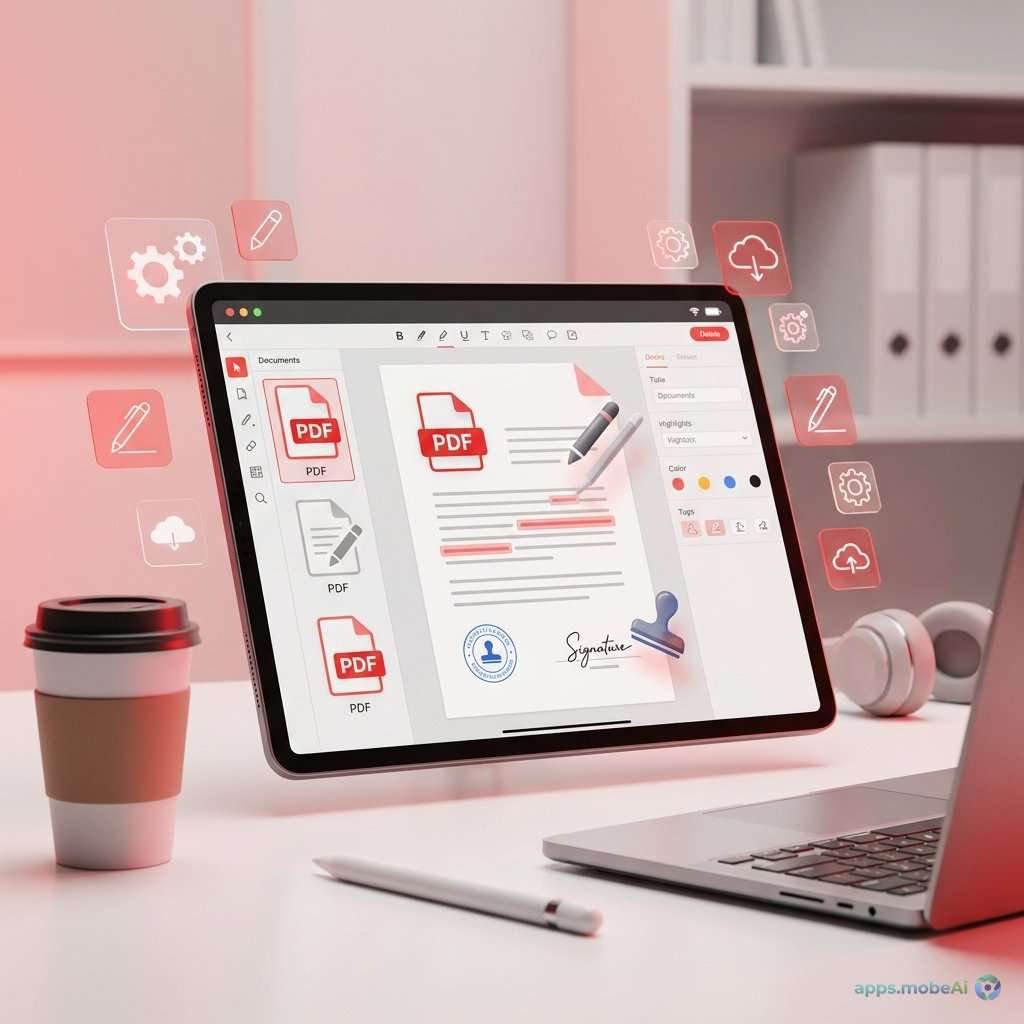
PDF documents remain the universal standard for sharing formatted content across platforms and devices. Whether
you’re signing contracts, annotating academic papers, or merging business documents, the ability to edit PDFs
effectively has become an essential skill in professional and personal contexts.
Adobe Acrobat pioneered PDF editing and remains the most capable solution, but its subscription pricing—starting at
nearly $20 monthly—proves excessive for many users’ needs. Fortunately, the 2026 market offers capable alternatives
at substantially lower costs, including several excellent options with one-time purchase pricing.
This comprehensive guide examines PDF editors that deliver genuine value without ongoing subscription commitments.
From free options that handle basic tasks to professional tools with perpetual licenses, you’ll discover the right
solution for your PDF editing needs and budget.
I. Understanding PDF Editing Requirements
PDF editing encompasses a broad range of capabilities, and most users only need a subset of available features.
Understanding your actual requirements prevents overpaying for unused functionality.
Viewing and Annotation
The most common PDF needs involve viewing documents and adding annotations—highlighting text, adding comments,
drawing attention to specific sections, and inserting sticky notes. These tasks don’t require expensive software;
many free viewers handle them adequately.
Form Filling and Signing
Interactive PDF forms require filling out fields and often adding digital signatures. Electronic signature
capabilities save printing, signing, and scanning cycles. Most PDF editors include these features, though
implementation quality varies.
Content Editing
True PDF editing—modifying text, images, and layout within documents—requires more sophisticated tools. This
capability proves essential for correcting errors, updating dated information, or repurposing existing content.
Document Manipulation
Merging multiple PDFs, splitting documents into sections, rearranging pages, and extracting specific content
represent common document manipulation tasks. These features help manage document workflows efficiently.
Conversion and Creation
Converting documents to and from PDF format, creating PDFs from various sources, and optimizing file sizes round out
typical PDF software capabilities. OCR (optical character recognition) transforms scanned images into searchable,
editable text.
II. PDF-XChange Editor: The Power User’s Choice
PDF-XChange Editor from Tracker Software stands out as the most capable perpetual-license PDF editor, offering
features that rival Adobe Acrobat at a fraction of the cost.
Editing Capabilities
PDF-XChange provides comprehensive text editing with font matching that maintains document consistency. Image editing
allows replacement, resizing, and repositioning of graphics. Page manipulation—insert, delete, extract,
rotate—handles document restructuring efficiently.
Forms creation enables building interactive PDF forms from scratch, with support for various field types,
calculations, and JavaScript actions. This capability suits organizations creating fillable documents for internal
or external use.
OCR functionality converts scanned documents and images to searchable and editable PDFs. Multiple language support
and accuracy refinement options produce usable results from most source documents.
Annotation and Markup
Extensive annotation tools include highlighting, underlining, strikethrough, and text boxes. Stamps, drawing tools,
and measurement features serve specialized needs. The commenting system supports collaborative review workflows with
reply threads and status tracking.
Unique Features
PDF-XChange includes features rare in competing products. Customizable user interface allows adapting the workspace
to personal preferences. Direct editing from cloud storage services works without downloading files locally first.
Browser plugin integration enables viewing and editing PDFs within supported browsers.
Pricing Structure
PDF-XChange Editor offers a free version with substantial functionality, though edited documents include a small
watermark. The Plus version at $56 removes watermarks and adds advanced features. Pro version at $72.50 includes the
OCR module and additional capabilities.
Perpetual licenses include one year of maintenance updates. Renewal is optional—older versions continue functioning
indefinitely without subscription requirements.
Strengths and Limitations
PDF-XChange delivers exceptional value for power users requiring comprehensive PDF editing. The perpetual licensing
model provides long-term cost advantages over subscriptions. Feature depth matches or exceeds most competing
products.
However, the interface can feel overwhelming for casual users. Windows-only availability excludes Mac users. Some
advanced features require learning curve investment before productive use.
III. Foxit PDF Editor: Cross-Platform Professional
Foxit has long competed with Adobe for professional PDF market share, offering comprehensive features across Windows,
Mac, and mobile platforms.
Editing Capabilities
Foxit’s editing tools modify text and images with sophisticated control over formatting. Paragraph editing reflows
text naturally when making changes. Font matching and substitution maintain visual consistency when original fonts
aren’t available.
ConnectedPDF technology adds unique cloud-based document tracking, showing who accessed documents and what changes
occurred. This capability suits compliance-sensitive environments requiring document audit trails.
Advanced redaction permanently removes sensitive information, unlike simple visual obscuring that can sometimes be
reversed. Legal and compliance applications depend on proper redaction functionality.
Collaboration Features
Shared review workflows route documents through approval processes with tracked changes. Integration with SharePoint,
OneDrive, and other content management systems fits enterprise environments. Mobile apps maintain functionality
across devices for on-the-go access.
Pricing Structure
Foxit PDF Editor offers both perpetual and subscription licensing. Perpetual licenses cost $159 for standard edition
or $179 for Pro edition with advanced scanning and redaction features.
Subscription options at $9.99 monthly ($119.88 annually) provide lower upfront investment but higher long-term costs
for sustained users. The subscription includes updates that perpetual licenses may not.
Strengths and Limitations
Foxit provides genuine cross-platform support with consistent experiences on Windows and Mac. Enterprise features
like ConnectedPDF and advanced collaboration suit organizational deployments. Performance generally exceeds Adobe
Acrobat on comparable hardware.
However, pricing has increased significantly over versions, narrowing the gap with Adobe. Some features require Pro
licensing at premium cost. Interface changes between versions occasionally disrupt established workflows.
IV. Sejda: The Online-Friendly Option
Sejda provides PDF editing through both web-based tools and downloadable desktop applications, offering flexibility
for users who need occasional editing without installing comprehensive software.
Editing Capabilities
Sejda handles common PDF tasks effectively: editing text, adding images, filling forms, signing documents, and
merging/splitting files. The interface simplifies these operations without overwhelming new users with options.
OCR functionality extracts text from scanned documents. Compression reduces file sizes for easier sharing. Page
operations handle most document manipulation needs.
Web and Desktop Options
The web-based version requires no installation, working directly in browsers for quick tasks. Processing happens on
Sejda’s servers, with files deleted after two hours. This approach suits occasional users who don’t want permanent
software installation.
Desktop applications for Windows, Mac, and Linux provide offline processing with no server involvement—important for
sensitive documents. The desktop version includes features not available online, including batch processing.
Pricing Structure
Free web access allows three tasks daily with documents up to 200 pages. This limitation suits occasional use without
cost.
Web plans at $7.50 monthly ($63 annually) remove daily limits and page restrictions. Desktop licenses cost $69.95 for
perpetual access on up to three devices. The Desktop + Web bundle at $89.95 combines both.
Strengths and Limitations
Sejda’s web option provides genuine capability without software installation—valuable for quick tasks on shared or
managed computers. The clean interface makes basic operations intuitive. Cross-platform desktop support includes
Linux, often neglected by competitors.
However, advanced editing features like sophisticated text reflow are limited. The web version requires uploading
documents to external servers—inappropriate for confidential materials. Heavy users may find the interface too
simplified.
V. LibreOffice Draw: The Free Contender
LibreOffice, the open-source office suite, includes PDF editing capabilities through its Draw application—completely
free without watermarks or limitations.
Editing Capabilities
LibreOffice Draw opens PDFs for direct editing of text, images, and layout. While not originally designed as a PDF
editor, it handles basic editing tasks adequately for many users’ needs.
Export back to PDF preserves changes with reasonable fidelity, though complex documents may not maintain exact
formatting. Simple documents edit and export reliably.
Integration with LibreOffice
The LibreOffice suite provides word processing, spreadsheet, and presentation applications that export high-quality
PDFs. This integration creates a complete document workflow without subscription costs—though editing existing PDFs
remains Draw’s domain.
Pricing Structure
LibreOffice is completely free and open-source. No premium tiers, subscriptions, or hidden costs exist. Community
development ensures continued updates without financial commitment from users.
Strengths and Limitations
LibreOffice provides legitimate PDF editing without any cost—remarkable for a feature typically behind paywalls. The
broader office suite adds value beyond PDF functionality. Active development and community support ensure longevity.
However, complex PDFs may not edit or export perfectly. The interface differs substantially from dedicated PDF
editors. Features like OCR, advanced annotation, and form creation require other tools.
VI. Apple Preview and Built-in Options
Operating systems include basic PDF capabilities that handle many common tasks without additional software.
Apple Preview (macOS)
Preview, included with every Mac, provides surprisingly capable PDF handling. Annotation tools cover highlighting,
text boxes, shapes, and signatures. Form filling works with standard PDF forms. Merging documents through
drag-and-drop combines multiple PDFs effortlessly.
Text editing limitations define Preview’s boundaries—you can add text but not edit existing content. For many users,
this capability suffices without additional software.
Microsoft Edge (Windows)
Microsoft Edge browser includes PDF annotation and form-filling capabilities. Highlighting, drawing, and adding notes
work directly in the browser. Digital signatures apply to documents requiring them.
The reading experience includes text-to-speech and focus mode for comfortable document review. Integration with
Microsoft 365 provides sharing and collaboration options.
Limitations of Built-in Options
Operating system tools lack advanced editing, OCR, and comprehensive document manipulation. Users with sophisticated
needs still require dedicated PDF software. However, these free options handle basic tasks adequately.
VII. Comparison and Recommendations
Selecting the right PDF editor depends on matching features to needs while respecting budget constraints.
Feature Comparison
| Feature | PDF-XChange | Foxit | Sejda | LibreOffice |
|---|---|---|---|---|
| Text Editing | Excellent | Excellent | Good | Basic |
| OCR | Yes (Pro) | Yes (Pro) | Yes | No |
| Forms Creation | Yes | Yes | Limited | No |
| Mac Support | No | Yes | Yes | Yes |
| Perpetual License | $56-72 | $159-179 | $69.95 | Free |
Best for Power Users (Windows)
PDF-XChange Editor provides the best feature-to-price ratio for Windows power users. Its comprehensive capabilities
at under $75 perpetual licensing deliver exceptional value.
Best for Cross-Platform Needs
Foxit PDF Editor serves users requiring professional features on both Windows and Mac. While more expensive, the
consistent cross-platform experience justifies the premium.
Best for Occasional Users
Sejda’s web interface handles occasional PDF tasks without software installation. The free daily allowance covers
light usage; infrequent heavy tasks can use pay-as-needed credits.
Best Free Option
LibreOffice Draw combined with Preview (Mac) or Edge (Windows) handles basic editing and annotation without cost.
Users should try these before purchasing dedicated software.
VIII. Workflow Integration Considerations
PDF editors don’t exist in isolation—consider how they integrate with broader workflows.
Document Management Systems
Business users should verify integration with their document management systems. SharePoint, Box, Dropbox, and other
platforms may have better integration with certain PDF editors.
Signature Services
For high-volume signing, dedicated e-signature services like DocuSign or Adobe Sign may prove more appropriate than
PDF editor signature features. Evaluate whether built-in signing suffices for your volume.
Batch Processing Needs
Users processing many documents should evaluate batch capabilities. Automated workflows through Action Wizards
(Acrobat), batch processing (PDF-XChange), or scripting save substantial time at scale.
IX. Making the Transition from Adobe
Users currently subscribed to Adobe Acrobat can transition to alternatives with planning.
Feature Audit
Document which Adobe features you actually use. Many subscribers discover they utilize only basic capabilities
available in far less expensive tools. Prioritize alternatives that cover your genuine needs.
Trial Periods
Most PDF editors offer trial versions. Test your typical workflows before committing to ensure the alternative
handles your requirements. Pay attention to edge cases that may not surface in brief evaluation.
Gradual Transition
Consider keeping Adobe access during transition to fall back on if needed. Once confident in your alternative,
canceling Adobe saves the ongoing subscription cost.
X. Conclusion
The PDF editing landscape in 2026 offers excellent alternatives to expensive subscription software. PDF-XChange
Editor delivers professional capabilities at modest perpetual pricing for Windows users. Foxit serves cross-platform
needs with comprehensive features. Sejda provides flexible web and desktop options for varying usage patterns.
LibreOffice and operating system tools handle basic needs without any cost.
For most users, the subscription model Adobe promotes proves unnecessary and expensive. Perpetual licenses or free
options adequately serve typical PDF needs while preserving budget for more important investments. Evaluate your
actual requirements, test alternatives through trials, and select the option that addresses your needs without
excess capability you’ll never use.
Document editing requirements evolve over time. Choosing tools that match current needs without excessive commitment
allows adapting as requirements change. The right PDF editor should feel like a utility—quietly effective without
demanding ongoing attention or ever-increasing fees.

.jpg)
.jpg)